
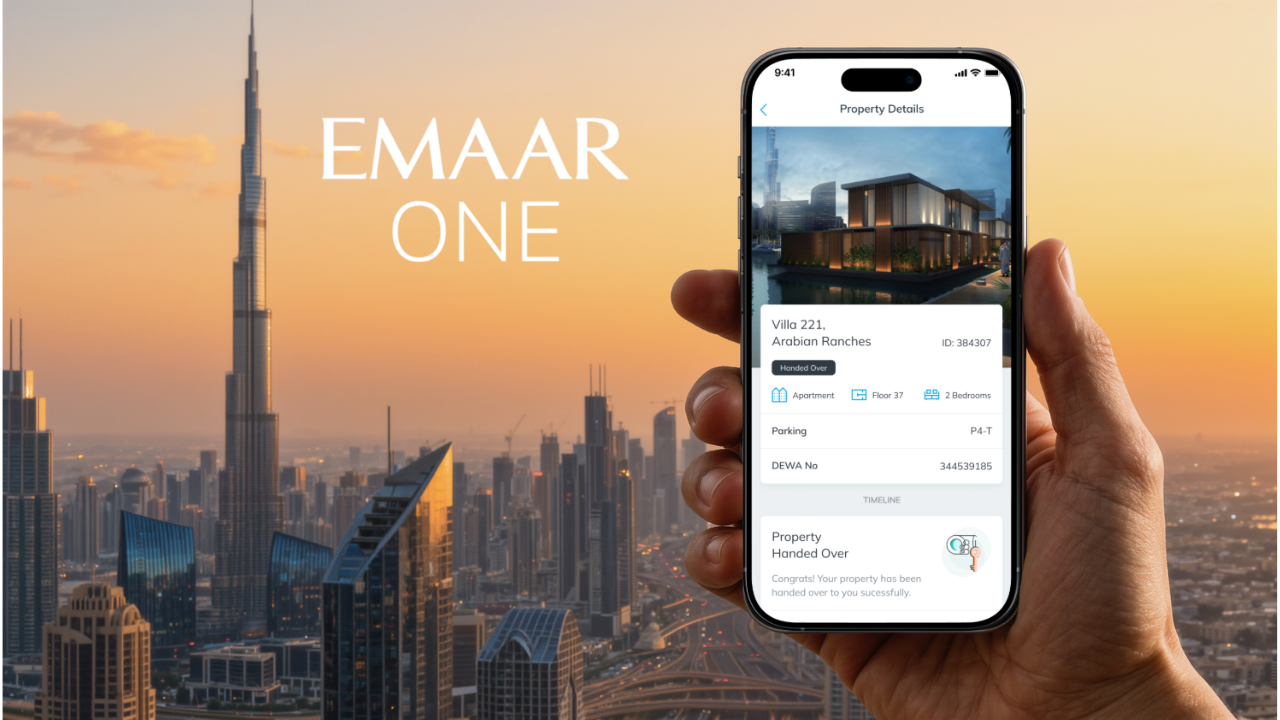
If you own property developed by Emaar in Dubai, live in one of its communities, or rent out a unit there, you’ll eventually run into the developer’s official mobile app — Emaar One App (previously known as Emaar Ana).
It’s available on the App Store and Google Play, and Emaar describes it as an “all-in-one app for property management,” letting owners and tenants “manage your Emaar properties anytime, from anywhere.”
Below is a rundown of what the app actually does, followed by a separate breakdown of how access and permits work — because that part isn’t handled by a single button in the app, but split across a few connected Emaar systems.
WHAT EMAAR ON APP ACTUALLY DOES
At its core, Emaar One is a mobile version of an owner or tenant portal. You can raise maintenance requests — including voice input and photo uploads so the maintenance team knows what to expect before showing up — and then track the status of that request in real time until it’s closed. The app also handles a chunk of the digital handover process for new buyers, letting part of the paperwork and sign-off happen without a trip to the sales office.
It processes online payments: service charges, community fees, and other property-related bills, with a payment history and related documents kept in the app. If you’re waiting on a project to finish construction, there’s a section with build progress updates for that specific project, and for buyers (current or prospective) there’s news on new sales launches, Emaar Group events, and promotional offers.
There’s also a community layer: booking shared amenities (pools, gyms, meeting rooms, and so on), community announcements from the management company, and — per some listings — a neighbourhood noticeboard/marketplace feature. Part of the app also covers purchasing and activating community access cards, sometimes at a discount during promotional periods.
ACCESS, GUESTS AND PERMITS : HOW IT ACTUALLY WORKS
This is the part worth understanding properly, because Emaar doesn’t route every type of access through one app — it’s split across several linked services:
Emaar One (the app) — the entry point for owners and tenants: payments, maintenance requests, buying/activating access cards, and part of the move-in permit process.
Community Portal (communities.emaar.com) — the web portal run by Emaar Community Management (ECM) for each specific community, where residents apply for move-in/move-out permits and guest or vehicle access cards.
ECM Permits Portal (ecmpermits.ae) — a separate portal, but only for contractors and workers: construction and service companies register there themselves, add staff and vehicles, and get a named entry permit for the community. Regular residents don’t need this one.
ACCESS CARDS FOR RESIDENTS AND GUESTS
Owners get a basic access card free of charge at handover. If the unit is rented out, the tenant — not the absent owner — uses the card: a new tenant typically gets a vehicle card from the landlord and then activates it themselves through the community portal or the app by entering the plate number, plate code, and vehicle make; activation usually takes about one business day.
Extra cards can be purchased through Emaar One (sometimes at up to 50% off during promotions), but the number issued is capped by the parking spots assigned to the unit. Lending your card to outsiders or guests is against the rules in most communities — guest access is normally arranged separately, either at the security gate or via guest registration on the community portal, not by handing over your personal card.
MOVE-IN PERMIT
This is the permit that actually matters logistically — without it, security won’t let movers or furniture into the building.
It’s applied for through the Community Portal or the Emaar One app, ideally at least one to two business days before the move (though agencies typically recommend starting the process about two weeks out to leave room for paperwork issues).
Tenants usually need a copy of the tenancy contract (Ejari), Emirates ID, and passport pages with the visa, sometimes along with moving company details and proof of deposit payment; owners generally just log in with their own credentials without extra documents.
After submitting, paying the fee (amount varies by community), and going through verification — typically up to five business days — the approved permit can be downloaded from the portal and shown at the gate.
VIEWING PERMIT | NOC FOR AGENTS
This is a separate case: access for real estate agents showing a unit to prospective buyers or tenants. In a number of Emaar-managed buildings, an agent needs a No-Objection Certificate (NOC) from the management company for each individual viewing, rather than one blanket approval covering the whole listing period.
The stated reason is to keep foot traffic manageable for other residents, but in practice agents have publicly complained that the approval process takes time, and clients unwilling to wait often just cancel the viewing.
This kind of permit is typically requested by the owner or their agent through the building’s management company (the same ECM Community Portal, or directly with the community office) rather than through the Emaar One app itself — there doesn’t appear to be a single standardized “viewing permit” feature built into the app as of this writing, and the exact process can vary by building, so it’s worth confirming directly with your community’s management office or on ecm.ae.
CONTRACTOR ENTRY PERMIT
If work is being done inside a unit, worker access is handled differently again: the contracting company registers itself on ecmpermits.ae, adds its staff (who must be employed by that company) and vehicles, and gets a named digital entry permit.
If the renovation affects structure or the building’s exterior, a separate renovation/fit-out NOC may also be required through the Community Portal — that approves the work itself, not just site access for the workers.
BOTTOM LINE
Emaar One covers most day-to-day tasks for an owner or tenant — payments, maintenance requests, amenity bookings, and part of the move-in process — but the full permit and access system at Emaar runs across three separate services: the Emaar One app, the community web portal (community.emaar.com / ecm.ae), and the contractor-only ecmpermits.ae portal.
Guest access and move-in permits are usually handled fine through the app or community portal, but a viewing permit for an agent or an entry permit for construction workers goes through the building’s management company directly — worth checking the exact process for your specific community, since rules aren’t identical across buildings.

Join The Discussion